

Growth Marketing
November 2, 2026

Inventory-Aware Ad Spend: What to Do When <blue>Bestsellers Stock Out</blue>

Troy Diffenderfer
Troy Diffenderfer
Title card: Inventory-Aware Ad Spend: What to Do When Bestsellers Stock Out
Table of contents

Scale Smarter with

Connect your sources, clean your data, and watch performance marketing soar with a flat fee and zero drama. Get started with a discovery call

When a bestseller stocks out, stop paying to send shoppers to a product they cannot buy. Pause or reroute every ad tied to that item, shift budget to in-stock products with similar margin, and keep campaign structure intact so performance recovers quickly after the restock. Then build rules so inventory levels adjust ad spend automatically next time, instead of someone noticing a week later that cost per acquisition doubled.

Key takeaways

  • Stockouts waste spend in places that are easy to miss: Search ads pointing at the product page, social creative featuring the item, and partial stockouts in popular sizes.
  • The first move is to find every ad tied to the out-of-stock product, not to cut the overall budget.
  • Redirect spend to in-stock products ranked by contribution margin, not by revenue.
  • Inventory-aware ad spend is a data problem. Inventory, product feed, and ad data need to live together so rules and alerts can act on them.

Why stockouts quietly waste ad spend

Most ad platforms do not know your warehouse is empty unless your product feed tells them, and even then not every campaign listens. Shopping and catalog ads usually stop serving out-of-stock items once the feed updates. Other spend keeps running:

  • Search ads that send branded or product-name searches to the sold-out product page
  • Meta and TikTok creative built around the bestseller
  • Broad campaigns that send traffic to a collection where the top item is gone
  • Partial stockouts, where the product is technically available but the most popular sizes or colors are not

The damage shows up as a falling conversion rate and a rising cost per acquisition. If campaigns run on automated bidding, the algorithm also learns from that weaker performance, which can lower bids or narrow delivery after the product returns. Teams running Google and Meta ads management should treat inventory as an input to bidding, not an afterthought.

Hypothetical example: A brand spends $3,000 a day on Meta, and half of that spend runs on creative featuring its bestselling jacket. The jacket sells out in the two most popular sizes. Click volume holds, but the conversion rate on those ads drops by half, so cost per purchase on $1,500 of daily spend roughly doubles. Over a 10-day restock, that is $15,000 of spend buying about half the purchases it normally would, or roughly $7,500 of wasted budget.

What to do in the first 24 hours

  1. Confirm the feed is right. Check that the product's availability in Google Merchant Center and your Meta catalog matches reality, and how often the feed syncs. A feed that updates once a day can keep a sold-out item live for hours.
  2. Find every ad tied to the product. Search for the product name and URL across Search ads, Shopping, Performance Max asset groups, social creative, and retargeting audiences.
  3. Reroute before you pause. Swap landing pages to a collection or a close substitute, and swap creative to an in-stock product. That keeps campaign history intact.
  4. Move budget to in-stock winners. Rank available products by contribution margin and conversion rate, then shift spend to the top of that list.
  5. Decide on preorders or backorders. If the restock date is close and the margin holds, keep demand warm with clear messaging instead of losing it to a competitor.

Running paid search and paid social from one team makes this much faster, because the person moving budget can see every placement and coordinate directly with merchandising.

Should you pause campaigns or keep them running?

Pause or reroute spend tied directly to the product, and keep the broader campaigns running if you have strong substitutes. The decision usually comes down to four questions:

  • How long until restock? A two-day gap may only need creative swaps. A six-week gap may justify rebuilding around a different hero product.
  • Is the stockout full or partial? Missing sizes can hurt conversion as much as a full stockout, so treat a broken size run as a stockout for the ads that feature it.
  • Do you have a true substitute? A similar product at a similar margin can absorb demand. A cheaper accessory usually cannot.
  • How sensitive is the campaign to changes? Large edits can reset automated bidding. Small, targeted changes to ads and landing pages are often safer than pausing a whole campaign.

Size and variant stockouts deserve their own rules

Variant-level inventory is where most brands lose visibility. A style can show 300 units in stock while the medium and large are gone. For brands with seasonal drops and size curves, Onward's work on paid media for apparel brands reports performance at the style and variant level for this reason. The goal is to know which ads depend on which variants before the stockout happens.

How to make ad spend inventory-aware

Reacting faster is useful. Building a system that reacts automatically is better. That requires inventory data, product feed data, and ad performance in one place, which is the job of marketing data pipelines that sync on a schedule your team can trust.
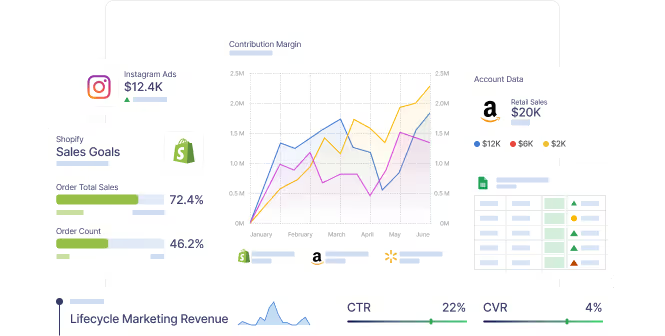
Illustration of Shopify, Amazon, and Instagram Ads data feeding into contribution margin and sales goal reporting
Inventory, sales, and ad data in one view is what makes automated rules possible.

With that foundation in place, a few practical rules go a long way:

  • Stock-level labels in the feed. Use Merchant Center custom labels to tag products by weeks of inventory remaining, then lower bids or exclude items below a threshold.
  • Alerts tied to ads. Flag any product with active spend that drops below a set number of days of cover. Marketing dashboards that drive decisions should surface these exceptions, not just totals.
  • A regular reallocation rhythm. A weekly budget reallocation cadence that includes inventory status catches problems before they become expensive.
  • Marketplace coverage. If you sell on Shopify and Amazon, inventory can run out in one channel first. Omnichannel ecommerce data keeps both in the same view.

Centralized inventory data also cuts manual work. For Agora, a ticket reselling business, Onward replaced spreadsheet tracking with centralized inventory data and automation that saves 150 hours a month and $35K a year.

Plan for the next stockout before it happens

The best time to manage a stockout is during planning. Before a launch, drop, or peak season, compare forecasted demand against available units and the ad spend you plan to put behind each product.
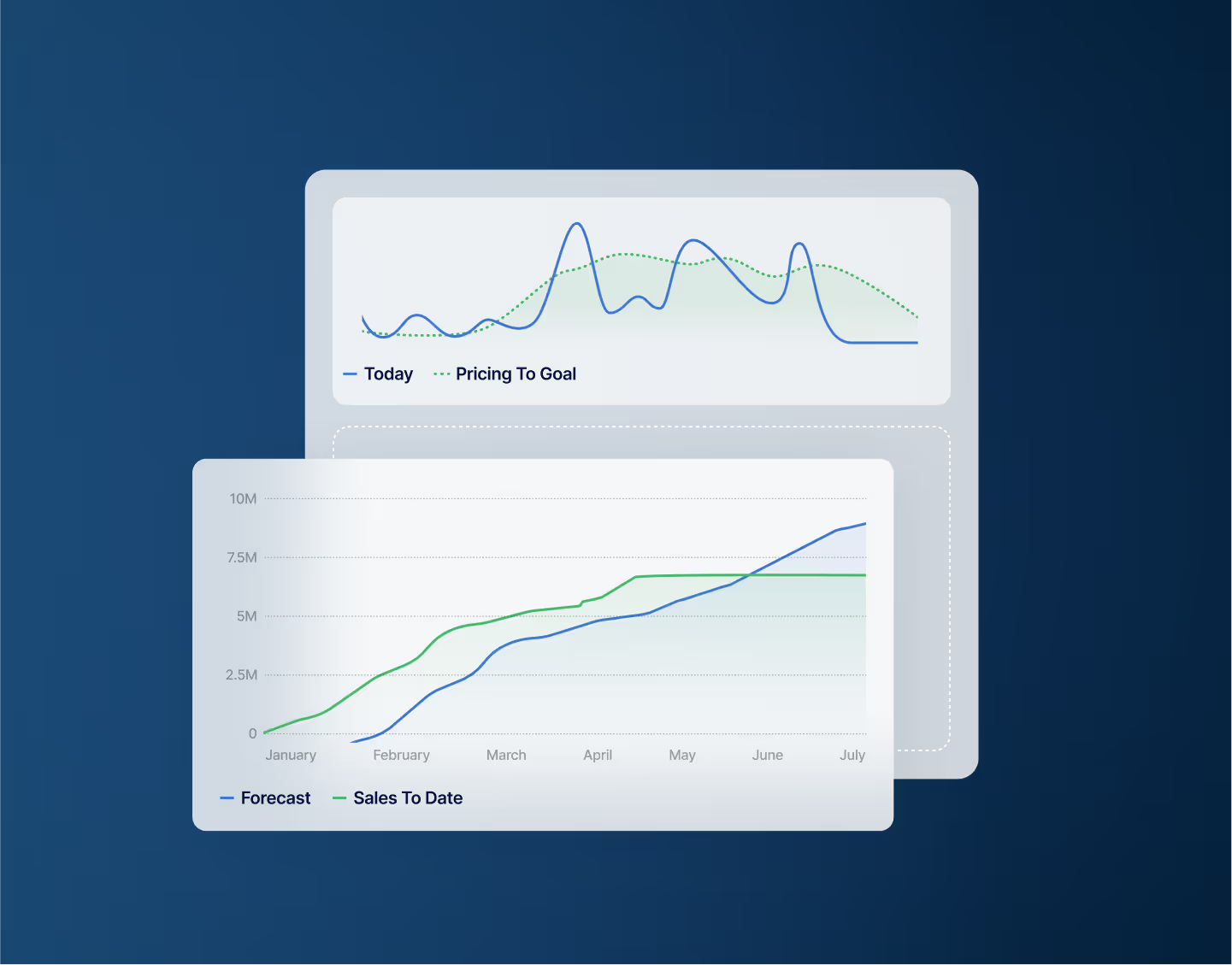
Illustration of a sales forecast chart compared with sales to date
Forecasting demand against inventory helps set spend before a product sells through.

If paid media is likely to sell through a hero product early, you have options: pace spend to match inventory, raise the price, feature a second product, or hold budget for the restock. Any of those beats selling out on day three and paying full rate for traffic for the rest of the month. When you review results afterward, exclude stockout periods from creative and channel tests, or the data will blame the ads for an inventory problem.

How Onward handles inventory-aware spend

Onward connects ad platforms, ecommerce, marketplace, and inventory data so the media team can see which products have spend behind them, how much stock is left, and what each product contributes after costs. Budget moves toward products that are both available and profitable.

Quote from Ryan Donovan of 500 LEVEL: We've got a machine behind us that's been built over the last year.
Ryan Donovan, 500 LEVEL.

The bottom line

A stockout is a merchandising problem that becomes a marketing problem within hours. Find every ad tied to the product, reroute rather than pause where you can, move budget to in-stock products by margin, and connect inventory to your ad data so the next stockout is handled by rules instead of surprise.

If you want help connecting inventory to your ad spend, talk to Onward's team.