



© 2025 Onward. All rights reserved.
Designed by BX Studio


GA4 is enough to understand what happens on your website and to compare channels on a consistent set of rules. It is not enough to run paid media to profit. GA4 does not know your product margins, it will not fully reconcile with the revenue in your store or CRM, and its attribution is a model, not a measure of incrementality. Most paid media teams get the best results by using GA4 as one important source inside a broader measurement setup.
GA4 gives paid media teams a single, platform-neutral view of site traffic. Unlike Meta or Google Ads reporting, it applies the same rules to every channel, which makes it useful for spotting trends and comparing sources. That neutral view is a good input to marketing data infrastructure, even if it cannot be the whole system.
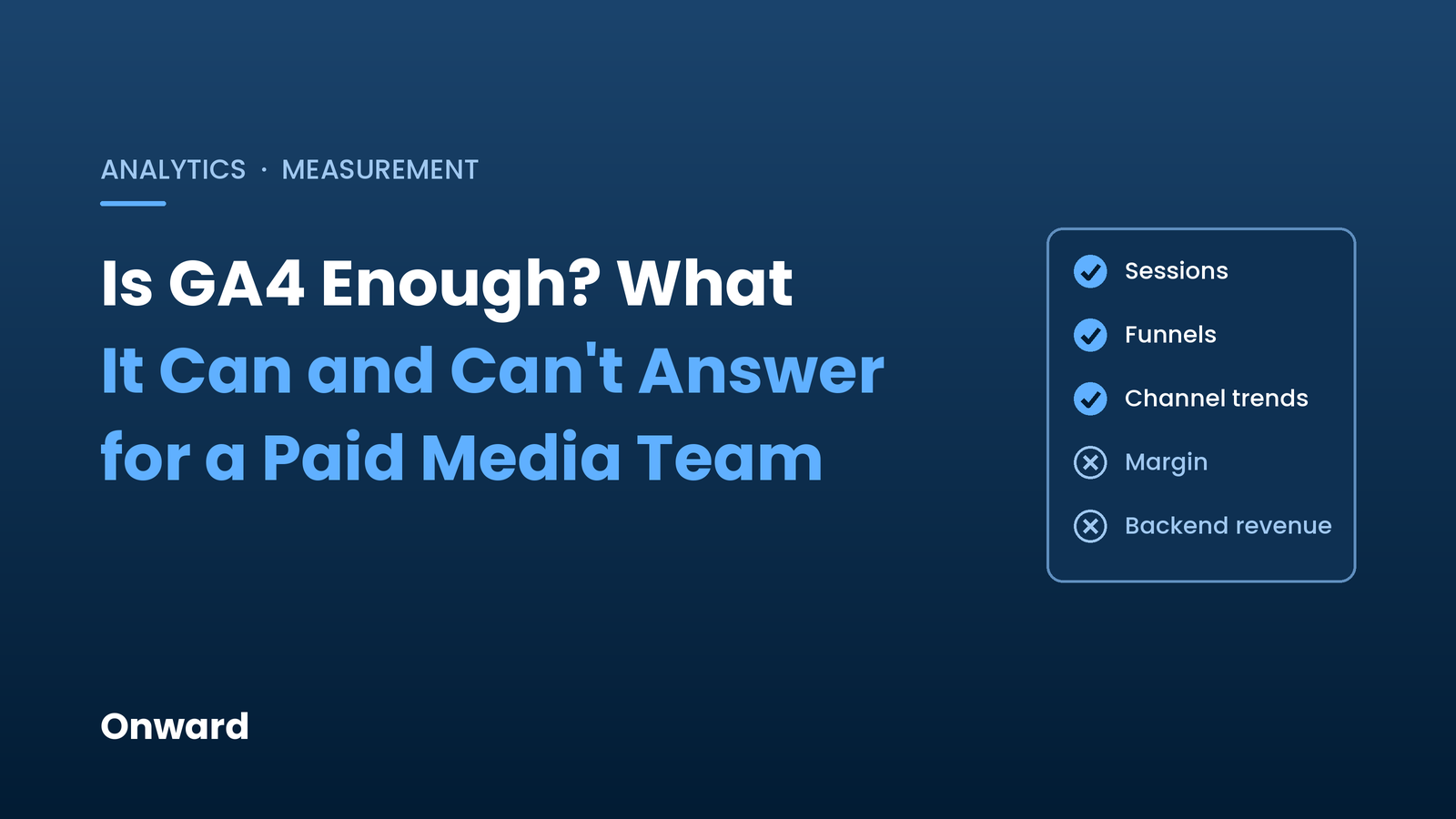
As of November 2026, GA4 is useful for:
GA4 records revenue as the value sent with each purchase event. It does not natively track product cost, fulfillment, discounts that were not passed in, returns that happen later, or payment fees. Two campaigns with the same revenue in GA4 can produce very different profit. That is the same problem covered in why ROAS can hide losses, and it applies to GA4 revenue as much as to platform revenue.
GA4 only sees users who load its tag and, where consent mode applies, may fill in gaps with modeled data. Ad blockers, declined consent, cross-device journeys, and broken tagging all create differences between GA4 and the orders in your store or payment processor. GA4 is directionally useful, but it should not be treated as the financial record. Songfinch is a good example of what changes when you reconcile to the actual payment system: how Songfinch reached 99% data reconciliation against Stripe.
GA4 offers data-driven attribution and last-click options. Google retired the first-click, linear, time-decay, and position-based models in November 2023. Data-driven attribution distributes credit across touchpoints, but it does not tell you whether a campaign caused sales that would not have happened anyway. Questions about incrementality need holdout tests, geo tests, or other experiments.
Standard GA4 properties keep event-level data for explorations for either 2 or 14 months. Standard reports are not affected, but long-range custom analysis is. Explorations can also be sampled on large properties, and data thresholds can hide rows with small counts. The free BigQuery export has a daily limit of 1 million events for standard properties. If you do not turn on BigQuery export early, you cannot go back and recover the raw history later.
For B2B and high-consideration businesses, the real outcome is often a qualified opportunity or closed deal in the CRM. GA4 can receive offline events through data import or the Measurement Protocol, but someone has to build and maintain that flow. Without it, GA4 measures form fills, not revenue. A setup for connecting ad clicks to closed-won revenue usually lives outside GA4.
GA4 can usually answer:
GA4 cannot answer on its own:
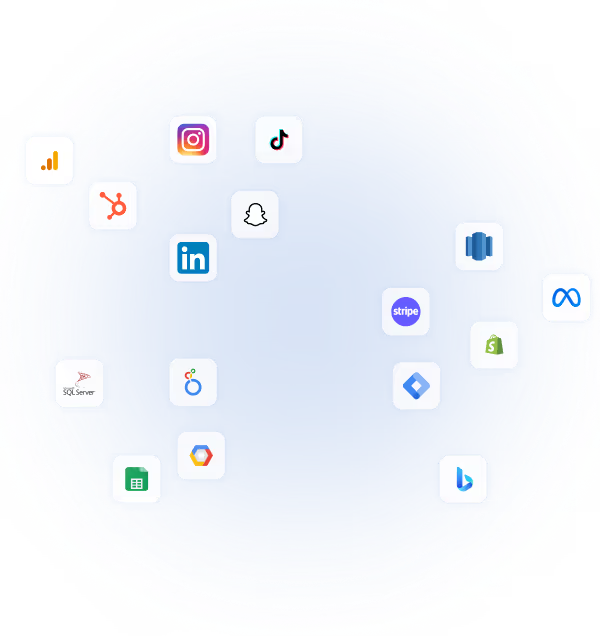
The answer is not to replace GA4. It is to connect it. A practical stack joins GA4's BigQuery export with ad platform cost data, order data from Shopify or another ecommerce platform, payment data, CRM stages, and product costs. Once those live together, you can report contribution margin by channel and campaign, and compare GA4 attribution with backend results.
This is the difference between a reporting tool and a measurement system. The case for a client-owned marketing data warehouse is that no single platform, including GA4, sees the full picture. Onward's approach to connecting ad spend to backend revenue starts from the same idea.
Onward treats GA4 as a valuable behavioral and attribution source, not the system of record. GA4 data flows into a warehouse alongside ad platform data, ecommerce and CRM data, and product costs. Media decisions are then made on contribution margin and backend-reconciled revenue, with GA4 used to diagnose landing pages, funnels, and channel trends.
GA4 is a strong free tool for understanding site behavior and comparing channels. It is not enough on its own to tell a paid media team which campaigns make money. Set it up carefully, export it early, and connect it to the data GA4 cannot see.
If you want to know what your GA4 setup is missing, schedule a free audit with Onward.