

.png)


© 2025 Onward. All rights reserved.
Designed by BX Studio


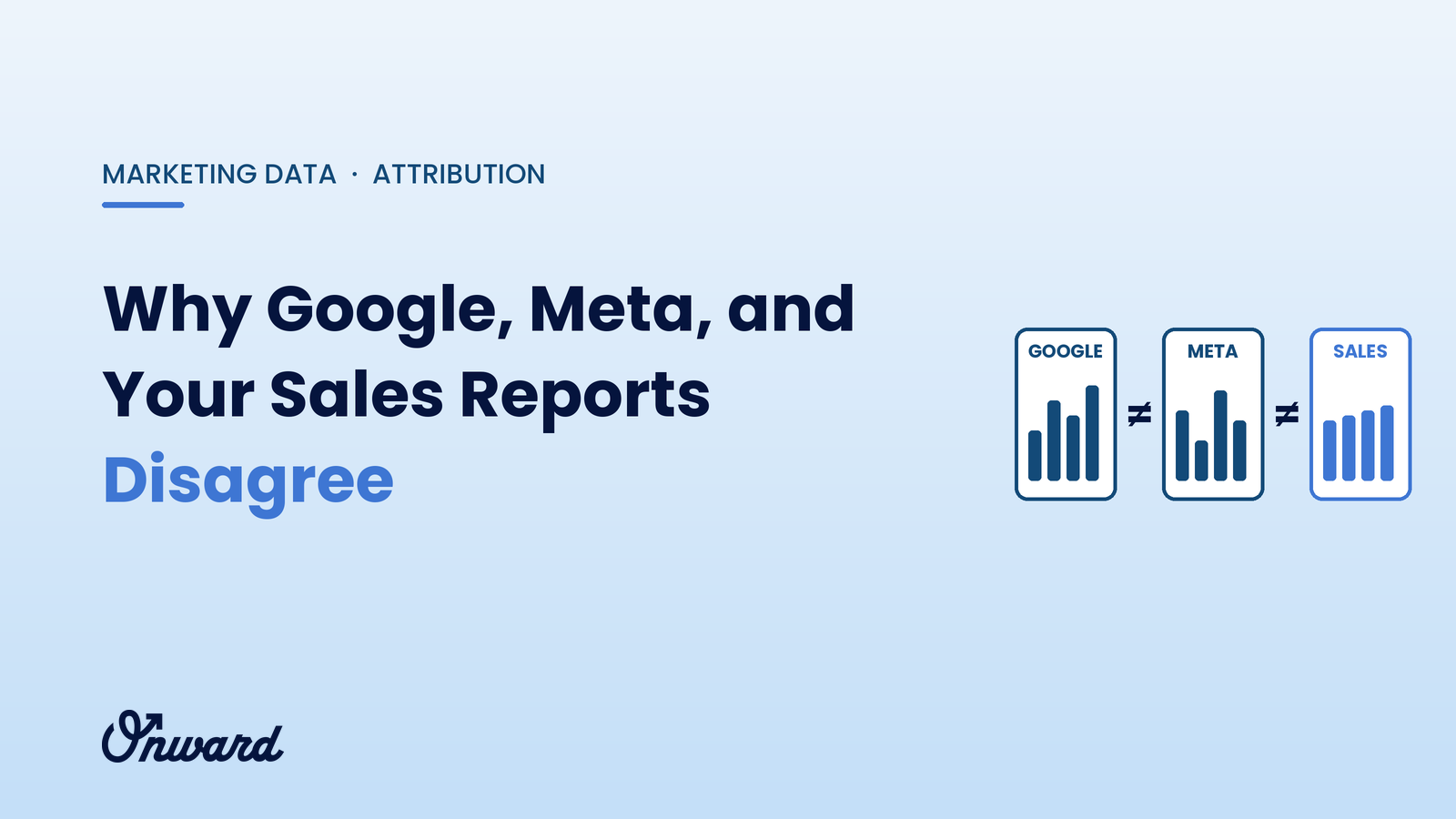
Google Ads, Meta, and your sales reports disagree because each one counts a different thing. Every ad platform credits itself for any sale its ads touched, under its own counting rules and lookback periods, while your store or CRM counts each order once, on the day it happened, after refunds. The platforms are not lying, but none of them is your financial record. Your sales system is.
A hypothetical example, for illustration: an online store records 200 orders and $30,000 in revenue in March. Google Ads reports 110 conversions worth $17,600. Meta reports 95 purchases worth $15,200. Together, the two platforms claim 205 orders and $32,800, more than the store sold in total, even though some of those orders came from email, organic search, and repeat customers who typed the URL directly.
Nobody made a mistake. Both platforms touched many of the same customers, and each one counted the sale as its own. This is the most common reason owners stop trusting their reports, and the reason marketing data infrastructure exists: to reconcile what platforms claim with what the business actually earned.
Six causes explain most of the gap. Several usually apply at once.
A customer clicks a Google search ad on Monday, sees an Instagram ad on Wednesday, and buys on Thursday. Google counts the sale. Meta counts the sale. Your store counts one order. Ad platforms measure their own contribution; none is designed to divide credit with the others.
Some platforms, Meta in particular, can count a purchase made by someone who saw an ad but never clicked it. Those conversions may be real influence, or they may be customers who would have bought anyway. Either way, your sales system has no record that an ad was involved.
Each platform counts conversions that happen within a set window after a click or view, and the windows differ by platform and by account setting. Ad platforms also often report a sale on the date of the ad interaction, while your store logs it on the date of purchase. A sale on April 2 from a March 28 click can land in different months in different reports.
Privacy settings, browser restrictions, and cookie consent mean platforms cannot observe every conversion. To fill gaps, they estimate some conversions with statistical modeling. Modeled numbers can be directionally useful, but they will not match an order list line by line.
Platforms record the order value sent by your tracking code, often before refunds, cancellations, and returns, and sometimes including tax and shipping. Your sales or accounting system reflects what was actually kept. For businesses with high return rates, this gap alone can be large.
A checkout event firing twice, a missing pixel on a new checkout page, a time zone mismatch between accounts, or a currency setting that differs from your store can all distort reported numbers. These are the one cause on this list that is actually a mistake, and they are worth checking first.

Trust your sales system for what the business earned, and use platform numbers for what they do well: comparing campaigns, ads, and audiences within the same platform. A useful split:
Margin matters as much as revenue. A channel can post a strong platform ROAS while selling mostly discounted or frequently returned products, a gap that optimizing paid media to contribution margin is designed to close.
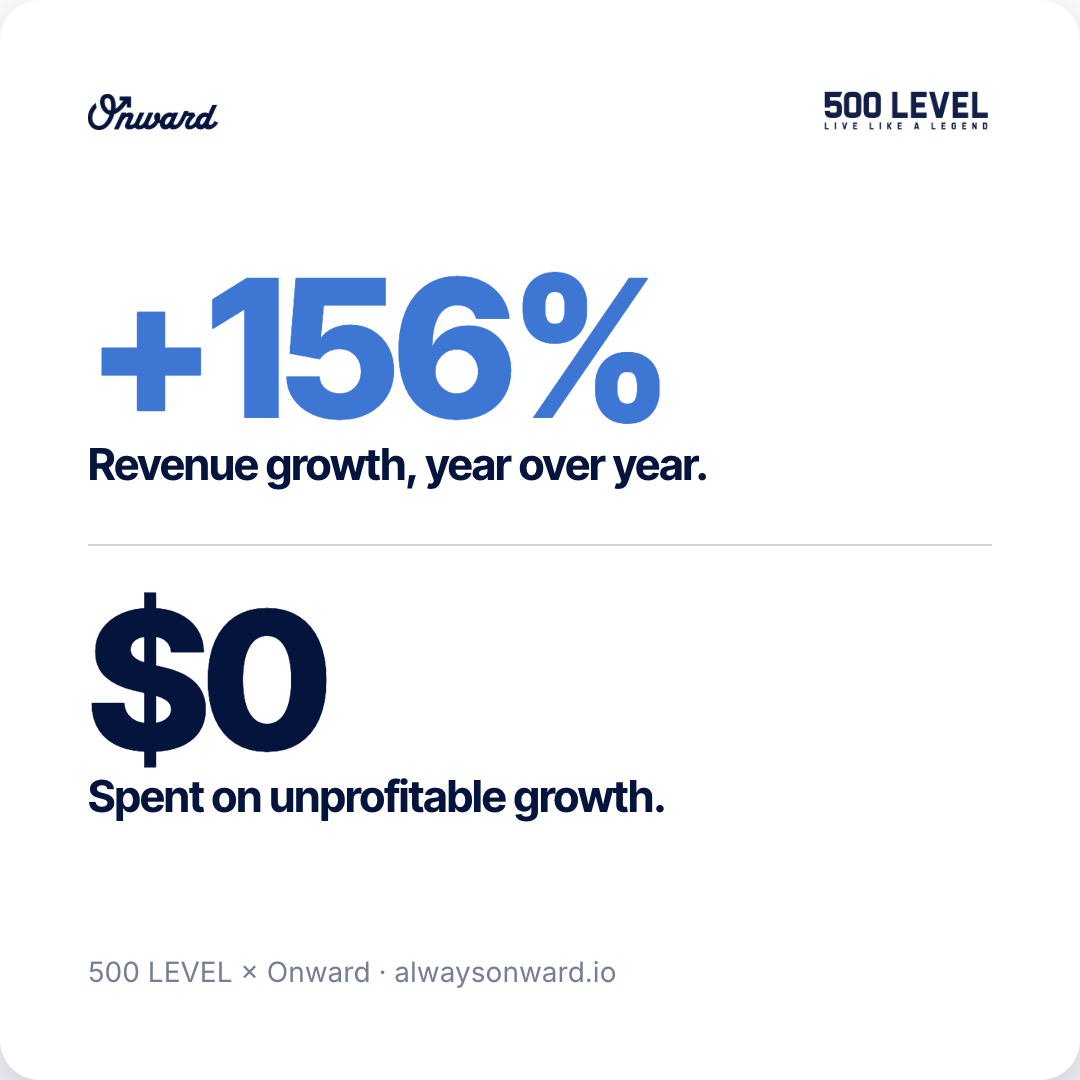
Doing this by hand works for a while. As channels multiply, an automated setup that joins ad data with backend orders saves time and removes guesswork, which is the core of connecting ad spend to backend revenue.

The payoff is a number everyone trusts. Songfinch reached 99%+ backend reconciliation with Stripe and gained ad-set-level contribution-margin visibility, as described in escaping reporting theater.

Attribution shows which ads touched a sale. It does not prove the sale would not have happened anyway. To see what a channel actually adds, change spend and watch your sales system:
These tests are simple, but they need clean backend data and patience. Strong Google and Meta ads management builds them into the plan instead of relying on platform dashboards alone.
Meta reports sales its ads influenced under its own attribution rules, including some view-through conversions. That often exceeds what your store credits to Meta. Judge Meta against blended results and against tests where you change spend.
They are separate tools with different attribution settings and counting rules. Google Analytics credits sessions across all channels, while Google Ads focuses on conversions tied to its own ads.
Rarely, and that is not the goal. Aim for a stable, explained gap and trust your sales system for financial decisions.
Google, Meta, and your sales reports disagree because each answers a different question. Use your sales system as the financial record, blended metrics to judge overall marketing, and platform data to optimize inside each channel. If you want help reconciling your numbers, talk to Onward's team.


.svg)
