



© 2025 Onward. All rights reserved.
Designed by BX Studio


Google Shopping feed optimization means giving Google complete, accurate, and well-structured product data so your products match the right searches and win the click. Start by clearing Merchant Center errors and landing-page mismatches, then rewrite titles to put the attributes shoppers search for first, fill in identifiers such as GTIN and brand, and add custom labels that let you bid by margin. Shopping and Performance Max campaigns have no keywords for product ads, so the feed does the targeting.
The product feed is the targeting layer for Shopping ads. Instead of bidding on keywords, Google reads your titles, descriptions, categories, and attributes to decide which searches each product can appear for. A vague title or a missing attribute means the product either misses relevant searches or shows up for the wrong ones.
That makes feed work one of the most direct levers in Google and Meta ads management for ecommerce. Better feed data can raise impressions on high-intent searches and improve click-through rate without any change to bids.
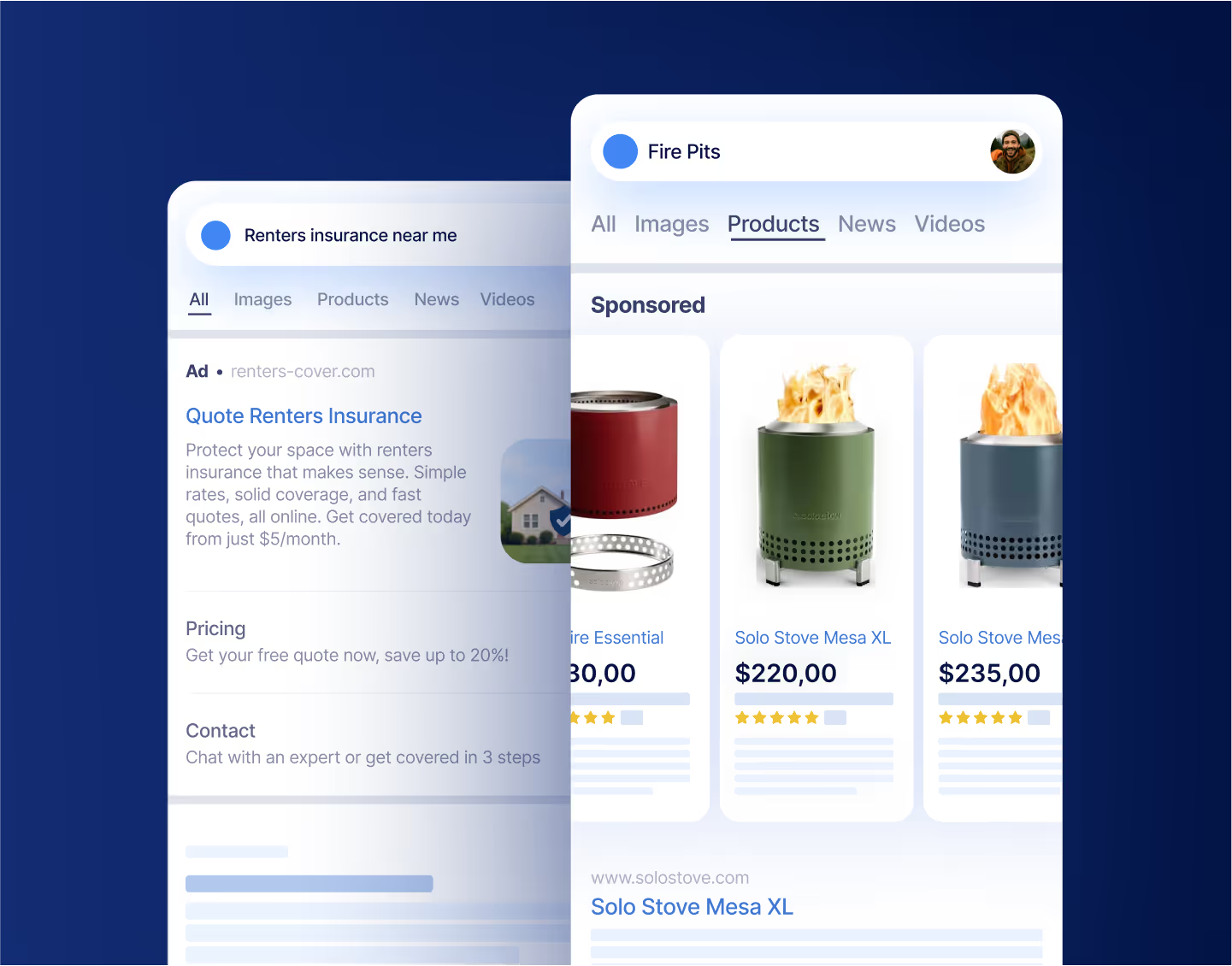
Write titles that put the most searched attributes first, in the order a shopper would type them. As of October 2026, Google's title specification allows 1 to 150 characters, asks merchants to match the landing page title, and prohibits promotional text such as prices, sale dates, or shipping offers in the title.
Useful title structures by category:
A hypothetical example: "Classic Tee - Navy" tells Google almost nothing. "Northfield Men's Organic Cotton Crew Neck T-Shirt, Navy, Medium" can match searches for organic cotton, men's crew necks, and navy tees. The brand here is invented for illustration.
Apparel catalogs gain a lot from this work because size, color, and fit drive both searches and returns. The same detail shapes apparel ecommerce marketing beyond Shopping, from product pages to paid social.
Required attributes get a product approved. Recommended attributes help it compete. Prioritize these:
Descriptions give Google more context than a title can hold. Open with what the product is and who it is for, then cover materials, dimensions, compatibility, and care. Keep the text consistent with the landing page, and leave out shipping offers and sale language.
Images strongly influence clicks on a Shopping listing. Use the main image to show the product clearly and in the color named in the title, and add extra images that show scale, texture, or the product in use. Mismatched colors between title and image are a quiet source of returns as well as lost clicks.
Open the diagnostics view and sort issues by the number of affected products. The most common problems fall into a few groups:
Fix issues at the source when you can. A supplemental feed or feed rules can override titles and attributes without changing your store, which is useful when the platform cannot hold the extra fields.
Custom labels let you group products for bidding and reporting without changing what shoppers see. Google provides five labels, custom_label_0 through custom_label_4, each with up to 1,000 unique values across the account.
A margin label is usually the one to add first. When products are tagged by margin tier, campaigns can push hard on high-margin items and hold back on discounted or low-margin ones, rather than chasing platform revenue evenly. Setting those tiers starts with the contribution margin formula, applied to each product with shipping, fees, and return rates included. Other useful labels include best sellers, seasonality, price band, and new arrivals.
Test a single change on a defined group of products, and compare against a similar group left unchanged. Track impressions, click-through rate, conversion rate, and contribution margin per product over at least two weeks. Platform-reported revenue alone will not show whether new traffic is profitable, so tie results back to orders and product costs.
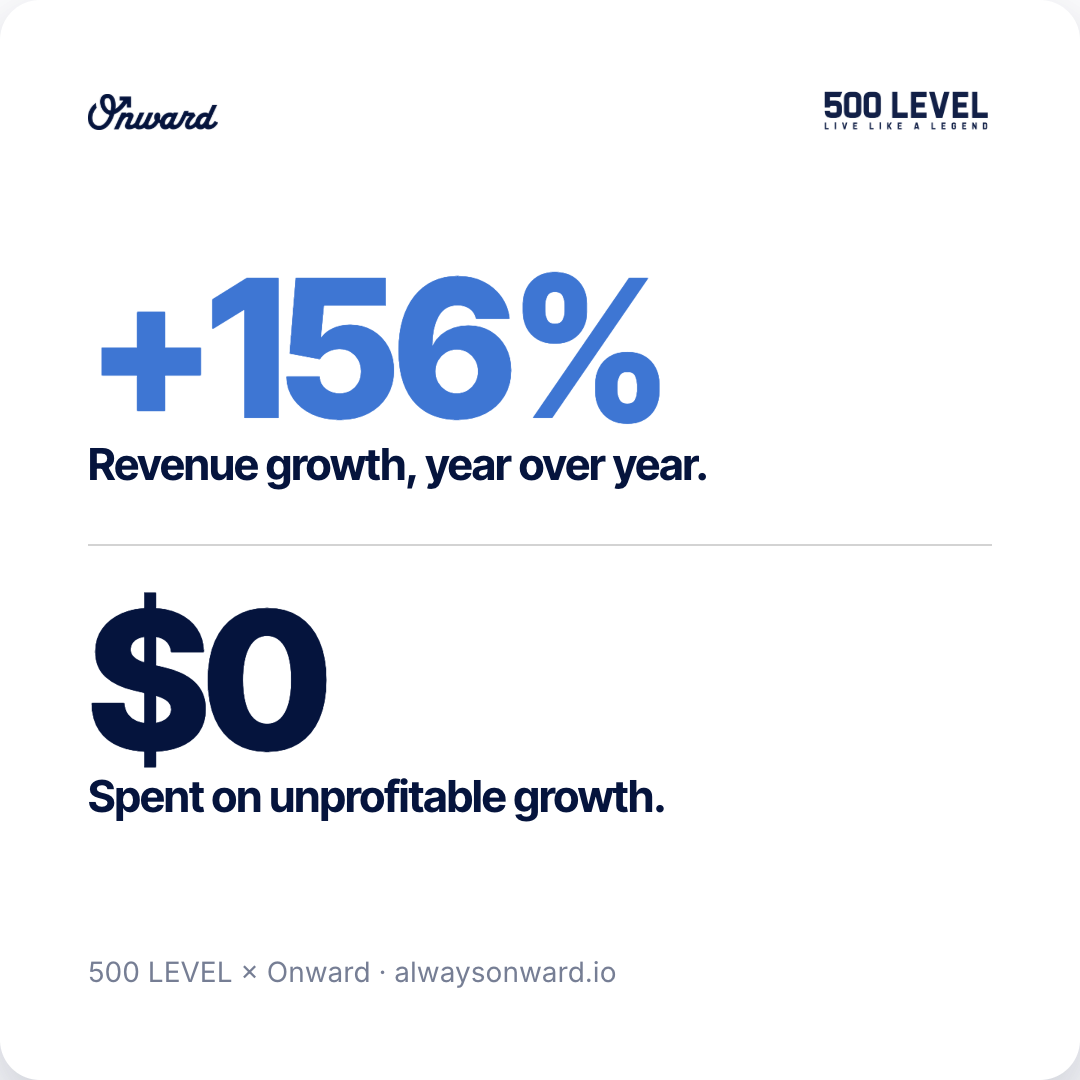
Onward treats the feed as part of the media plan: titles and attributes for reach, custom labels for margin, and backend data to judge results. For 500 LEVEL, an online retailer of licensed sports gear, profit-first media buying lifted new-customer volume 175% year over year, to about 19,000, as the 500 LEVEL DTC growth case study explains.

Describe the product accurately and specifically, using the terms buyers actually use. Repeated keyword lists make descriptions harder to read and add nothing Google can use to match searches.
Not always. Small catalogs can be managed in the ecommerce platform plus a supplemental feed. Large catalogs with many variants, frequent price changes, or several channels usually benefit from a dedicated tool or custom pipeline.
Shopping performance starts in the feed. Clear errors first, write titles around how people search, complete the attributes that improve matching, and use custom labels to bid on margin. To see how your feed and Shopping campaigns compare against that standard, schedule a free audit.